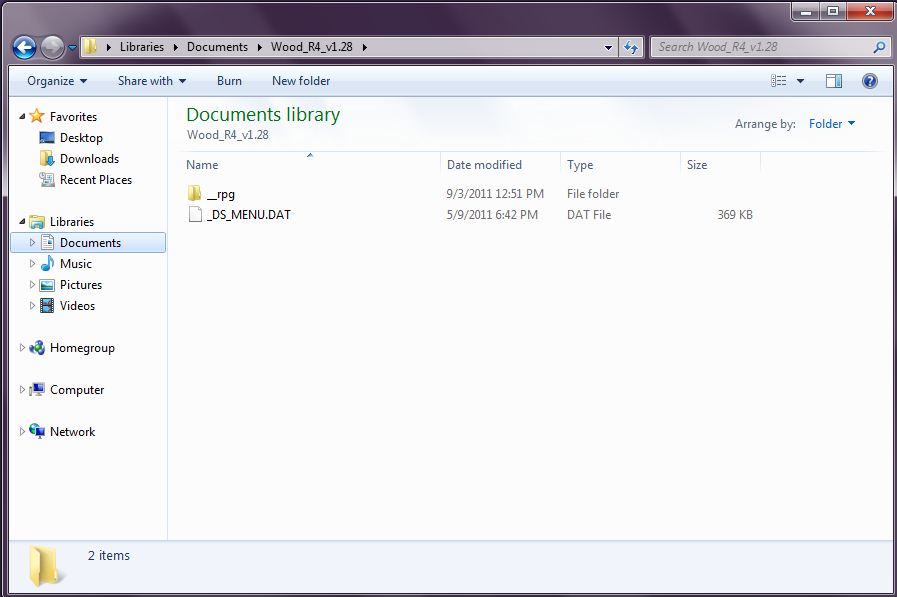
After you have downloaded your firmware from the "Firmware" page on my website, you may proceed with firmware installation. Note: please install winRAR to unzip file if you don't already have anything to unzip it with from: http://www.win-rar.com/downloadnow.html
Another NOTE: The RED BOX R4 card accepts any size MicroSD and SDHC MicroSD. The Regular one only accepts regular MicroSD cards that are NOT SDHC and up to 2GB ONLY. :D
Installation of Both Firmwares are done the same except the Regular R4 you copy these files in the picture below to root directory of SD card:
Copy them AS IS please.
Games are also placed in the root of SD card NOT inside the _rpg folder.