This page is dedicated to help you learn to get around your new DS Flash cart! Remember, this particular flash cart's main purpose is to play games. It does come with a couple other features, but they are honestly not so great. Therefore, I will not go into detail on how to work these features.
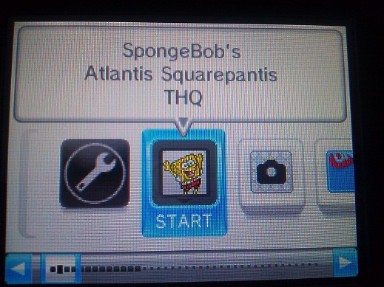
The SpongeBob Game is what's going to show up everytime you boot your flash cart. There's unfortunately no way to change that!! ;) GRR
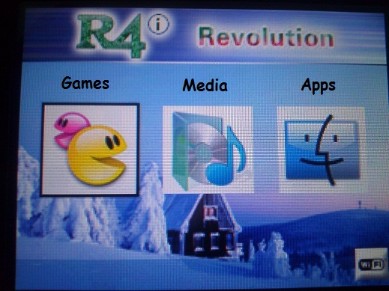
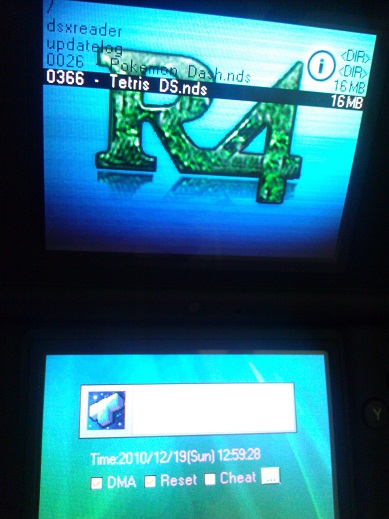
To Play a Game, simply goto the Games Menu and Select a game from the options on the top screen! Load a new SAV file and Have fun!
 |  |
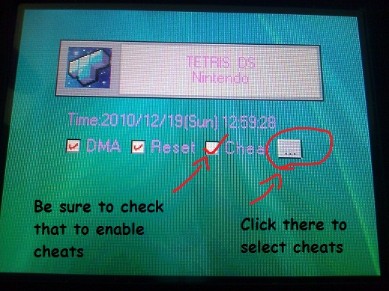
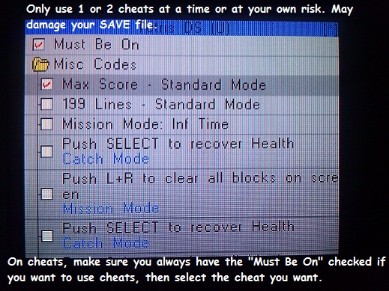
How to Use Cheats! I wouldn't suggest using more than 1 at a time or the game might crash....Remember to Uncheck cheats when you don't want them anymore!
 |  |
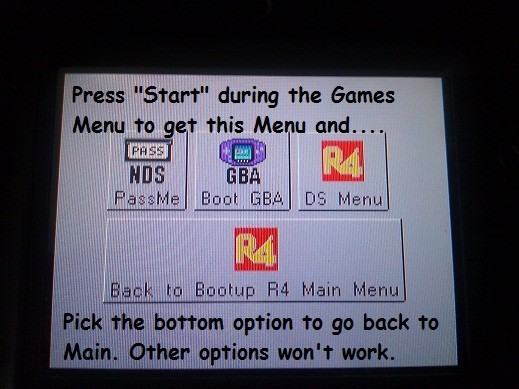
Apps Menu BELOW
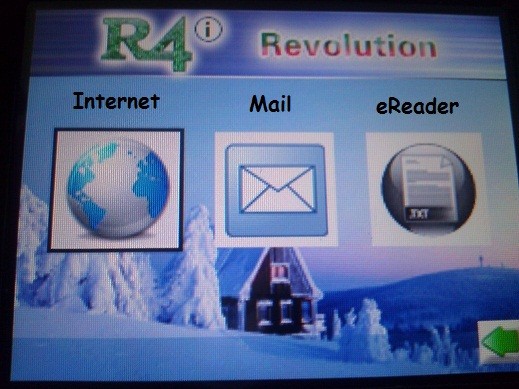
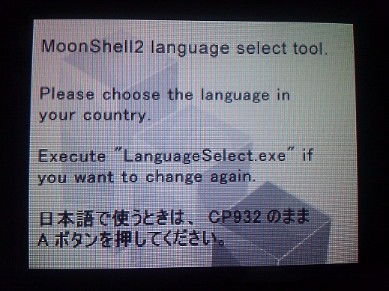
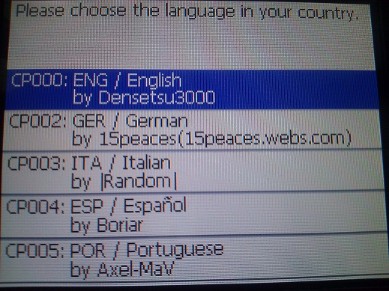
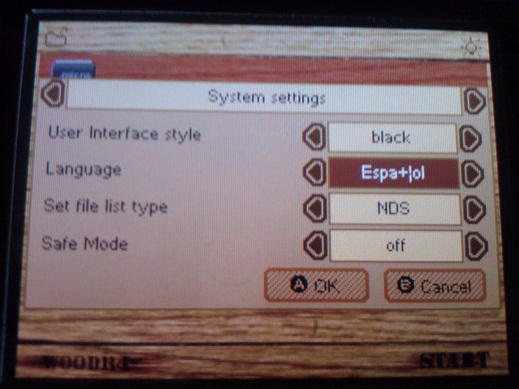
When you click on Apps, you will get this Sub-Menu ABOVE ^ The first time you click on the Apps, you'll have the option of choosing a Language! I'm not sure how to change it after that.
 |  |
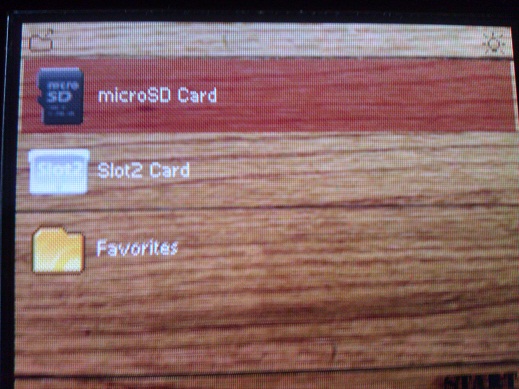
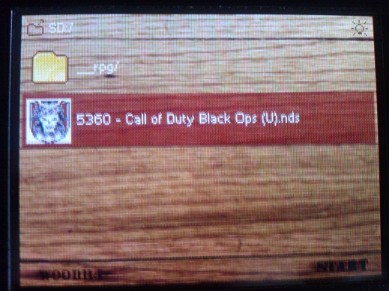
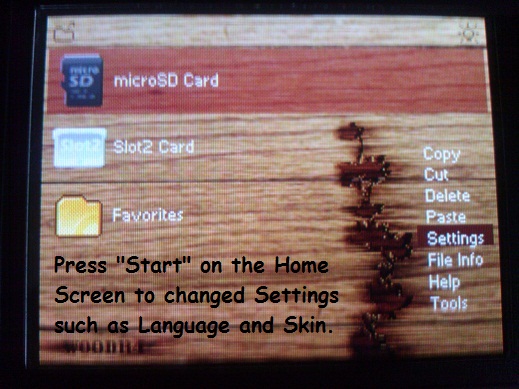
WOOD on regular R4 is Simpler to Use.
 |  |
 |  |
